Why Replacing Hardware Often Treats the Symptoms — Not the Root Cause
A System-Level Perspective on Repeated Failures
When systems fail, the first reaction is often simple:
“Let’s replace the hardware.”
A new NIC.
A different RAID controller.
Another motherboard revision.
Sometimes the problem disappears — temporarily.
Weeks or months later, it returns.
Often in a slightly different form.
So why does hardware replacement so often feel effective, yet fail to solve the problem long-term?
The Comfort of a Physical Fix
Replacing a component feels decisive.
If a system crashes, the assumption is that something must be broken.
But in modern computing systems, most failures are not caused by defective hardware.
They are caused by system-level interactions that hardware alone cannot fix.
The Hidden Reality: Most “Hardware Issues” Are Configuration Issues
From the perspective of a motherboard and system manufacturer, repeated field failures follow a pattern:
The replaced component passes factory tests
The replacement works briefly
The same instability resurfaces
This usually indicates that the hardware was never the root cause.
Instead, the true sources are often:
Driver and firmware mismatches
Inconsistent BIOS settings
Undefined OS-driver upgrade paths
Mixed hardware revisions under a single image
Accumulated configuration drift over time
Replacing parts resets the system slightly — but leaves the underlying conditions untouched.
Why Hardware Replacement Appears to Work (At First)
1. Replacement Temporarily Aligns Versions by Accident
A new component often comes with:
For a short period, versions align — not by design, but by coincidence.
Once updates resume, the conflict returns.
2. Physical Changes Mask Timing and Resource Issues
Swapping components can:
This can suppress symptoms without addressing why the system was sensitive to those changes in the first place.
3. The Root Cause Lives Outside the Component
If the issue is caused by:
Then replacing hardware only treats the visible failure — not the trigger.
Why “Try Another Part” Doesn’t Scale
In small environments, trial-and-error can appear acceptable.
In production or industrial deployments, it becomes dangerous:
Troubleshooting costs multiply
Failure patterns become unpredictable
Support teams chase symptoms instead of causes
Knowledge never accumulates into a repeatable solution
Each replacement becomes a new variable, not a resolution.
A System-Level Approach to Real Root-Cause Resolution
Stable systems are not built by swapping parts.
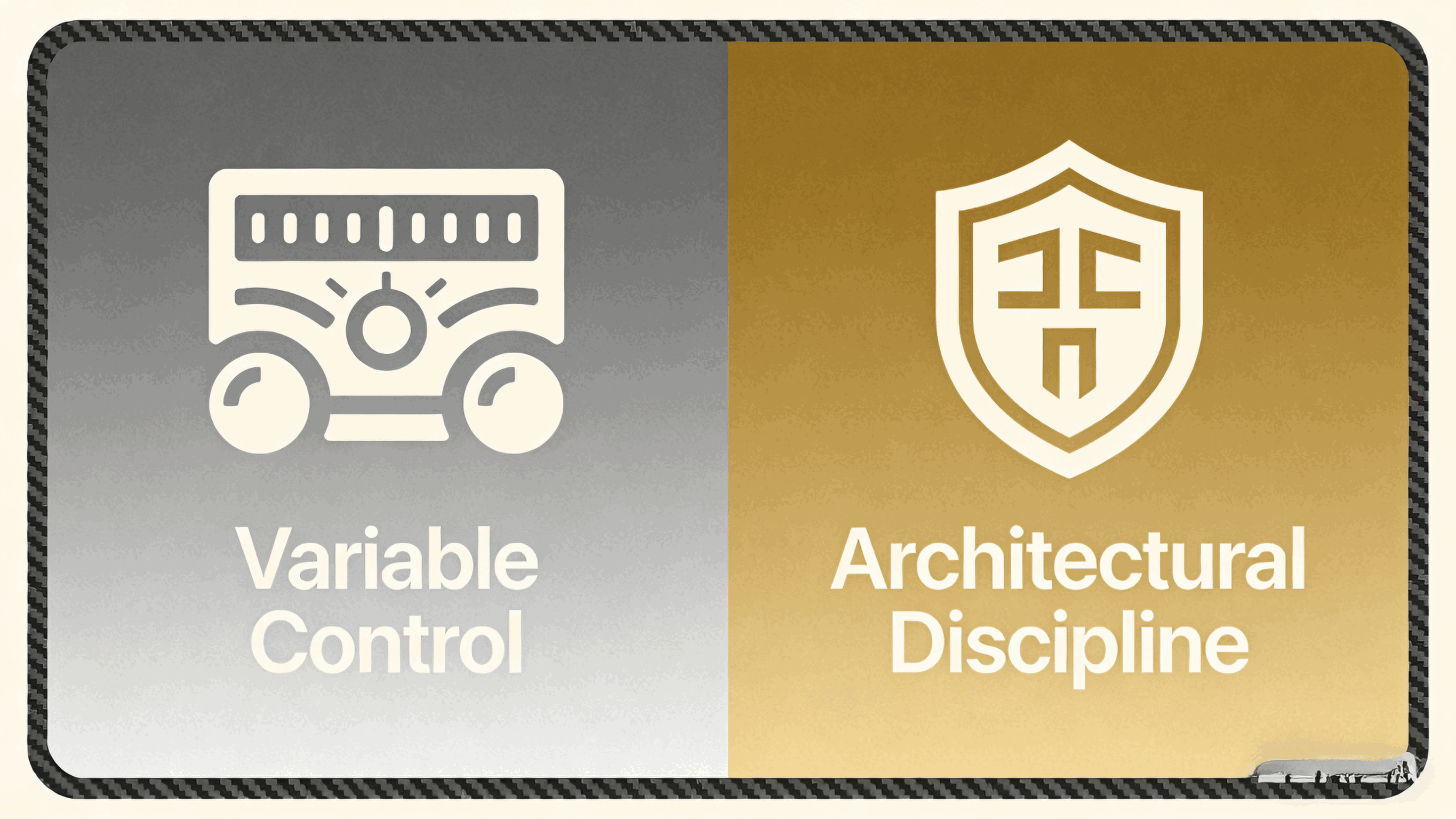
They are built by controlling variables.
Fixed Driver & Firmware Baselines
Known-good combinations are validated and reused.
Configuration Templates
BIOS, firmware, drivers, and OS settings are defined — not improvised.
Failure Pattern Analysis
Logs, telemetry, and recurrence patterns guide decisions, not assumptions.
Change Control
Upgrades are intentional, tested, and reversible.
From a manufacturer’s standpoint, predictability matters more than individual component performance.
The Key Insight
If replacing hardware truly solved most problems,
data centers and industrial systems would be infinitely stable.
They are not.
Because modern failures are rarely caused by broken parts —
they are caused by unmanaged complexity at the system level.
Final Thought
Hardware replacement often feels like progress.
But when the same issues keep returning, it’s a signal — not of bad hardware,
but of missing system architecture discipline.
The fastest way to stability is not “new parts,”
but fewer unknowns.