The Most Common Memory Mistakes Engineers Regret Later
Lessons Learned from Real-World Server Deployments
Memory is one of the most critical components in a server. Yet even experienced engineers often make mistakes that are only discovered after deployment — sometimes at massive scale. Understanding these pitfalls can save weeks of debugging, downtime, and unnecessary costs.
1. Ignoring Memory Compatibility
Even when memory sticks are of the same capacity and speed, not all modules are created equal:
Different IC manufacturers may have varying latency and timing characteristics
Certain CPUs require specific memory profiles for stability
Mixing modules from different vendors can trigger subtle system crashes or performance drops
Lesson: Always validate memory against the exact CPU and motherboard combination before deployment.
2. Overlooking Channel Population Rules
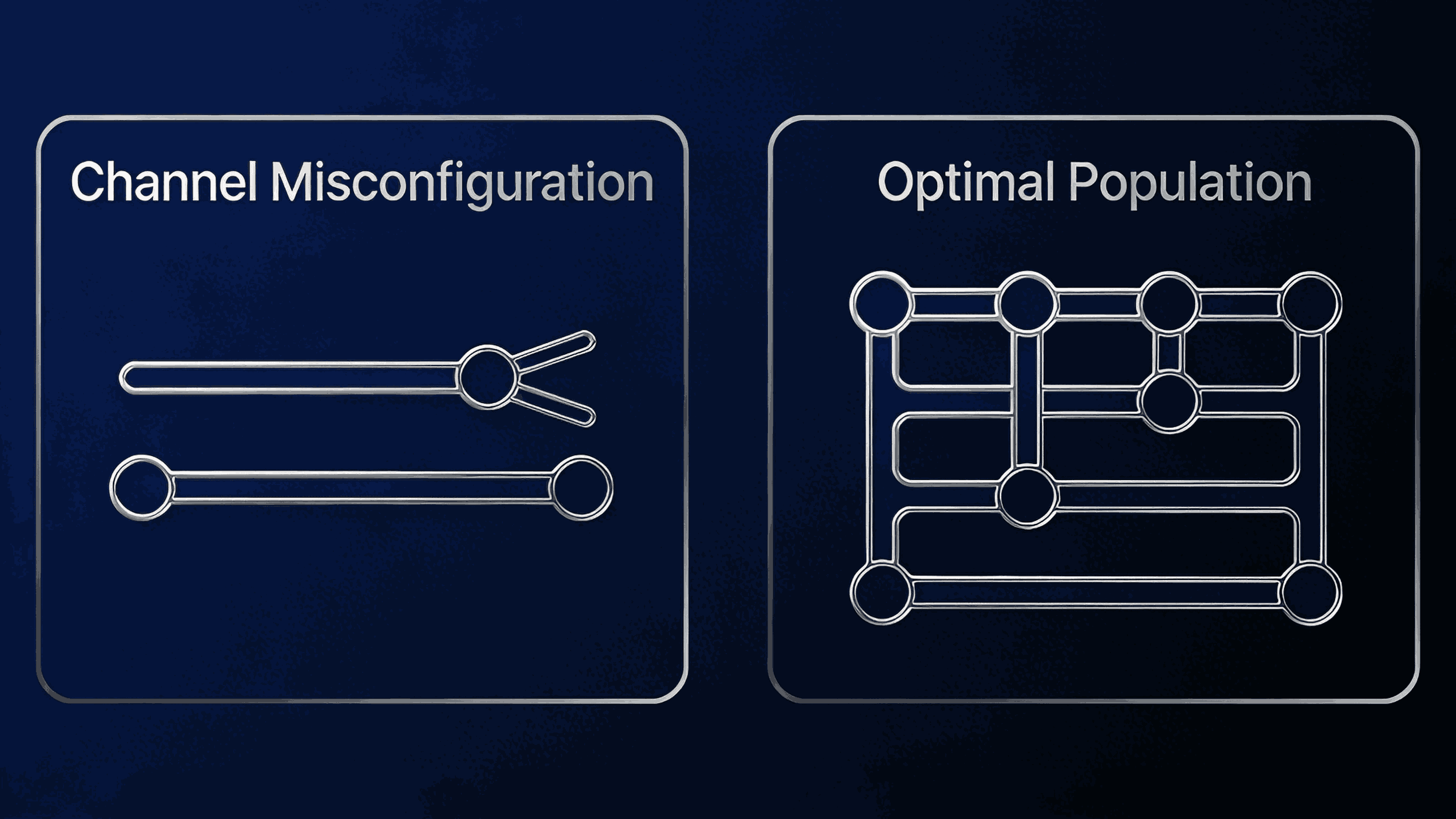
Modern server boards support dual, quad, or even octa-channel memory architectures. Incorrect population can lead to:
Lesson: Follow manufacturer guidelines strictly and double-check channel placement during installation.
3. Skipping BIOS/UEFI Memory Settings

Default BIOS settings are often conservative, but sometimes not optimized for your workload:
XMP or memory profiles not applied
Voltage settings mismatched
Refresh rates left at defaults that cause errors in high-density configurations
Lesson: Review and configure memory settings explicitly; don’t rely solely on “auto” options.
4. Underestimating Density and Rank Effects
High-density DIMMs and multi-rank modules can introduce signal integrity issues:
May limit supported CPU memory speeds
Can impact error-correcting code (ECC) behavior
Can cause intermittent failures under stress
Lesson: Plan memory density according to platform limitations, and test under real workloads.
5. Failing to Track Revisions and Firmware
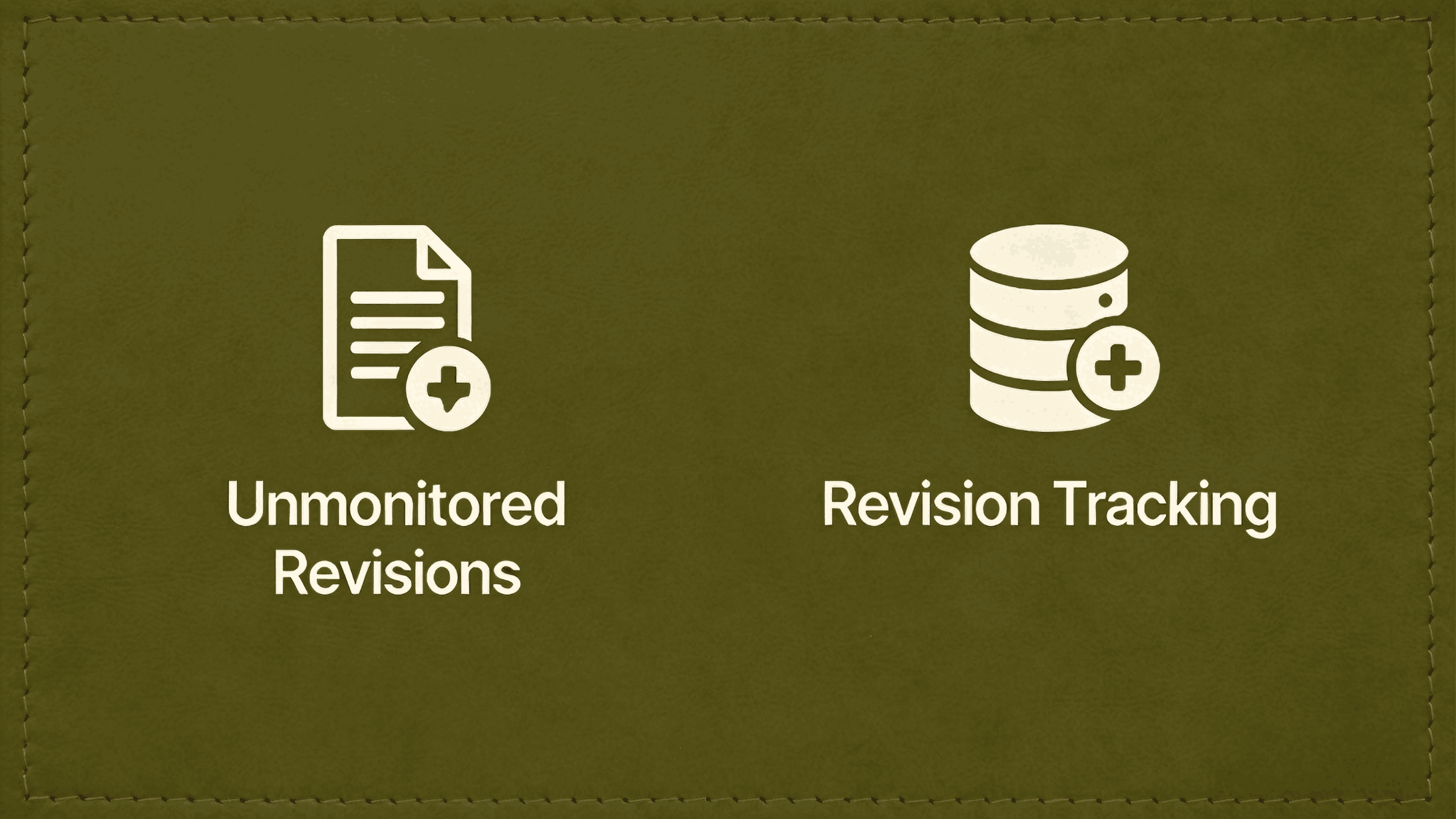
Memory modules may come in different revisions or firmware versions, even if specs match:
Lesson: Maintain a component database or tracking system for memory modules to ensure repeatable results.
6. Ignoring Monitoring and Logs Post-Deployment
Memory errors often leave traces in system logs:
Ignoring these can let small issues accumulate into larger outages.
Lesson: Implement proactive monitoring and periodic review of memory health.

Final Thought
Memory mistakes are common but preventable with discipline. Engineers who:
…are far less likely to regret their decisions later.
Memory may seem simple, but at scale, small oversights become costly lessons.