The Gap Between Theory and Practice in Hardware Integration
The compatibility list is the first line of defense when configuring a system.
It promises a solution:
“These parts work together.”
“This software and hardware are compatible.”
“This combination is tested and validated.”
Yet, in real-world deployments, the reality often looks very different.
Systems that are “compatible” on paper sometimes fail in production.
Components listed as “fully supported” can become unreliable when placed under stress.
Solutions validated in a test lab may break in the field due to factors no one considered.
Why does this happen?
And more importantly, how can it be avoided?
The Illusion of Perfect Compatibility
On paper, compatibility lists should work.
They are based on:
Detailed technical specifications
Vendor-approved driver versions
Extensive testing under controlled conditions
In theory, they allow integrators to confidently select compatible hardware and software combinations, knowing they should work together smoothly.
But here’s the problem: Real-world systems are not lab tests.

Why Compatibility Lists Fail in the Real World
1. Hidden Variables in Complex Configurations
In a lab environment, hardware is tested in isolation. But in production:
Multiple components interact in ways that can’t be fully predicted.
Firmware versions can differ between deployments, creating new variables.
Environmental factors like temperature, power fluctuation, and network load influence performance.
Software updates may change device behavior after the initial testing.
A system that works perfectly in one test environment can behave erratically when placed in a more complex, dynamic production environment.
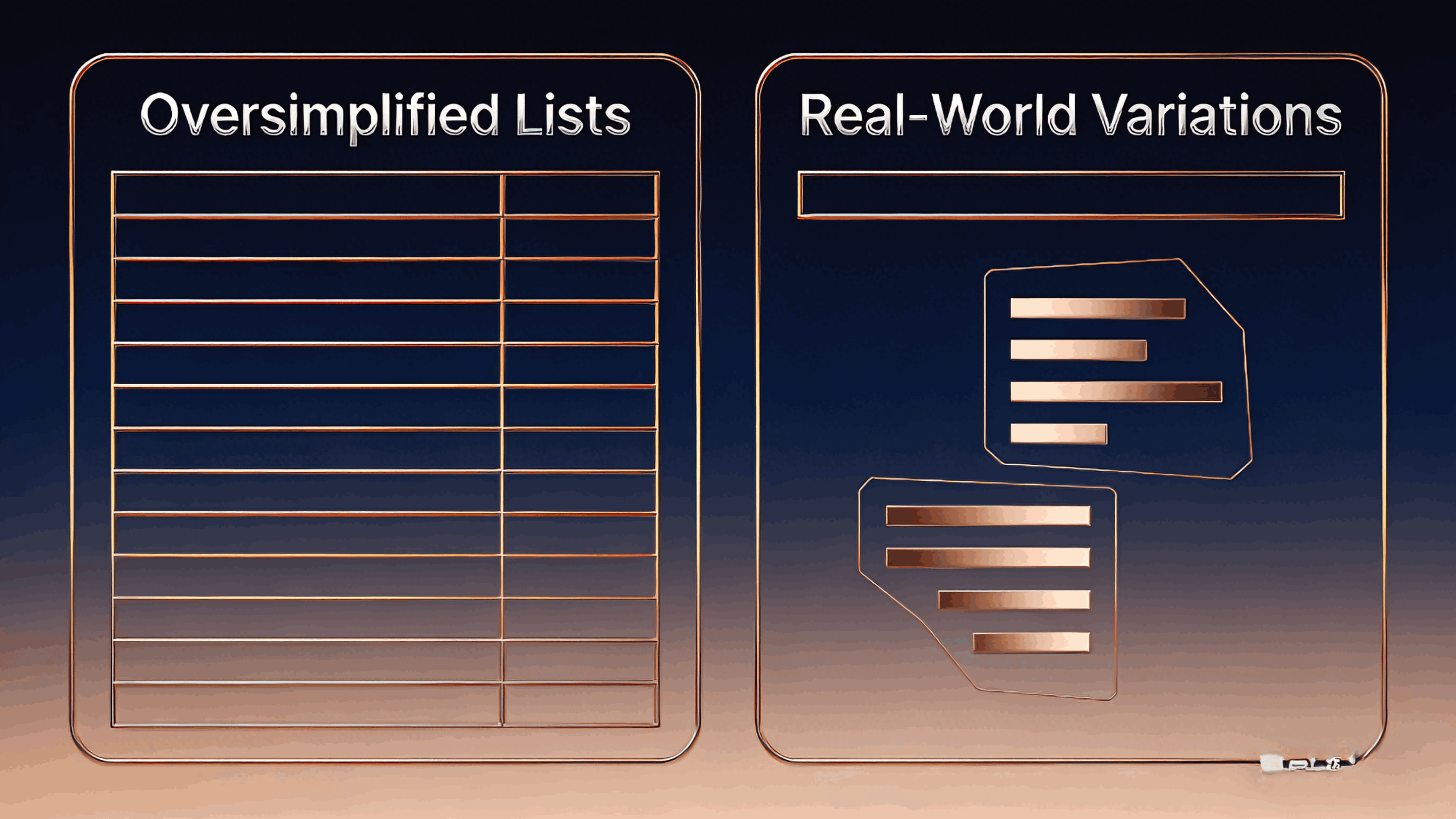
2. Over-Simplification of Compatibility Lists
Vendor compatibility lists often provide a “one-size-fits-all” solution, which rarely matches the needs of diverse deployments. For example:
Processor generations change frequently, but a compatibility list may not reflect subtle performance differences or chipset compatibility nuances.
Software versions evolve constantly, and a previously supported OS version may now be incompatible with new hardware or firmware.
Even minor revisions in a component (e.g., motherboard or GPU) may lead to unexpected issues in real-world deployments.
These oversimplifications mean that compatibility lists rarely account for the full scope of variations in real-world configurations.

3. Changes Between Test and Production Firmware
Testing often occurs using a “golden image”:
A known configuration of hardware, firmware, and drivers.
This image works well for a controlled environment but rarely reflects the ever-evolving nature of production systems.
In production:
Firmware updates can cause discrepancies between systems.
Driver versions may differ across machines, even within the same fleet.
BIOS or UEFI settings may not be consistent, leading to differences in system behavior.
Even small variations in firmware or driver versions can create problems that aren't covered by the compatibility list.
4. The Impact of Scale and Stress
A system tested with a few nodes or devices doesn’t face the same challenges as a large-scale deployment.
In a real-world deployment:
The system will face network traffic spikes or power fluctuations that don’t occur during initial testing.
Thermal behavior might change in larger deployments, affecting hardware components that weren’t stressed in the lab environment.
Failures may be subtle at first but can compound under stress, leading to cascading failures.
Large-scale systems demand predictable performance, which is often missed when focusing solely on the compatibility list.
Closing the Gap: Moving from Theory to Practice
While compatibility lists are useful, they are just a starting point. Ensuring stability in production requires a more holistic approach.
1. Pre-Validated Deployment Templates
Rather than relying solely on compatibility lists, create pre-validated deployment templates that:
Combine known-good drivers, firmware, and BIOS settings.
Account for known environmental variables, including temperature, power, and network load.
Include system failure mode analysis to predict potential issues before they occur.
2. Continuous Validation During Deployment
As systems are deployed, continuously validate compatibility:
Ensure that firmware, drivers, and settings are consistent across all systems.
Perform load and stress testing to simulate production conditions.
Use automation tools to track version discrepancies and alert administrators.
3. Regular Firmware and Driver Updates
Keeping firmware and drivers in sync across the fleet is critical:
Implement firmware management systems that automate updates across all devices in the fleet.
Schedule regular firmware and driver reviews to ensure that all components stay compatible with each other over time.
4. Documented Configuration Management
Document every aspect of your hardware and software configuration:
Create a comprehensive compatibility matrix that includes all verified combinations of firmware, drivers, and BIOS settings.
Keep records of field tests, issues encountered, and troubleshooting processes to improve future deployments.
Final Thought: Compatibility Lists Are Just the Starting Point
Compatibility lists are valuable tools, but they are only part of the equation. True deployment stability comes from continuously validating configurations, accounting for real-world stress, and proactively managing firmware and driver updates.
The gap between compatibility lists and deployment reality isn’t just a theoretical issue — it’s a practical challenge that requires a robust, proactive approach to system validation and lifecycle management.