When deploying servers or industrial motherboards, early-life failures can be disastrous—especially in high-concurrency, high-availability environments.
To catch these failures before shipment, professional engineering teams rely on structured burn-in testing for 48–72 hours, rather than relying on short stress tests.
At Shenzhen Angxun Technology Co., Ltd., we apply a systematic burn-in methodology using real-world workloads and specialized tools, ensuring motherboards, CPUs, memory, and storage are fully validated before shipment.
1. Objectives of a 48–72 Hour Burn-In Test
The primary goals of burn-in testing are:
Detect latent component failures
Early-life defects in capacitors, MOSFETs, VRMs, or memory modules often manifest only after continuous stress.
Validate thermal and power stability
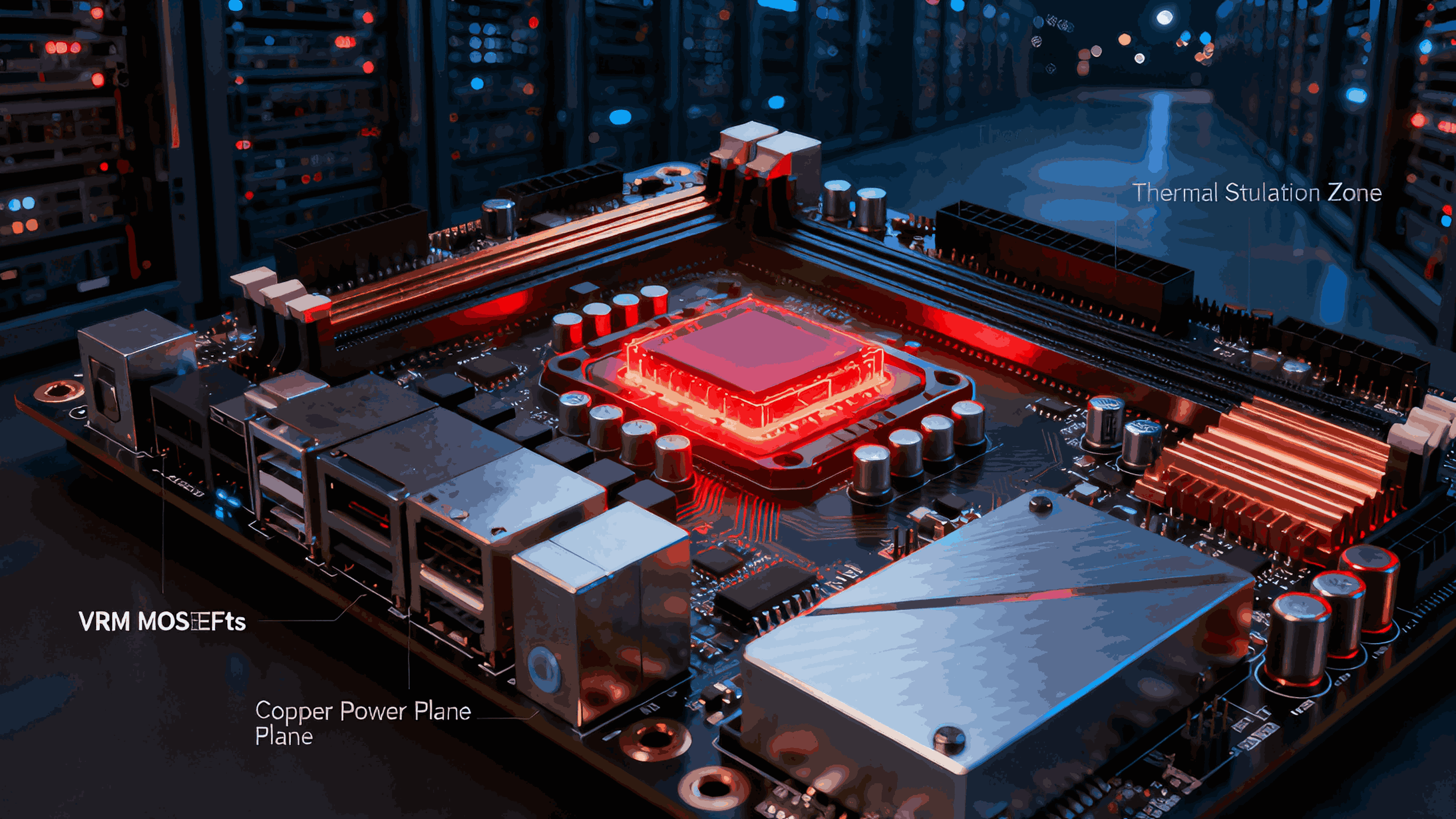
Sustained CPU, memory, and storage load tests expose VRM overheating, PCB thermal bottlenecks, and inadequate cooling.
Identify firmware or driver-level instabilities
BIOS, BMC, RAID/NVMe firmware, or NIC drivers may fail under long-duration load patterns.
Simulate real-world high-concurrency workloads
Batch jobs, virtualization, RAID rebuilds, and high-throughput networking can be reproduced in a controlled environment.
2. Burn-In Methodology: Step-by-Step
Step 1: Preparation
Test Environment: Ambient temperature controlled (usually 25–40°C) with sufficient airflow.
Baseline Configuration: Apply pre-validated BIOS/UEFI settings, RAID/NVMe configurations, and firmware versions.
Monitoring: Setup thermal sensors, VRM voltage logs, CPU/NIC utilization tracking, and PCIe error counters.
Step 2: Load Segmentation
CPU Stress: Prime95 (Small FFTs) to maximize CPU power draw and VRM stress.
Memory Stress: MemTest86/86+ or MemTest for DDR/DDR5 stability over continuous cycles.
Storage Stress: FIO or Iometer for NVMe, SSD, and RAID array I/O consistency.
System Stress / Multi-Core: stress-ng or Linpack to simultaneously stress CPU, memory, and I/O subsystems.
Tip: Engineers often run overlapping stress patterns to simulate worst-case real-world scenarios, e.g., CPU + NVMe + RAID + NIC simultaneously.

Step 3: Monitoring and Logging
Record:
Step 4: Duration and Cycling
Load Cycling: Include:
Full-load periods (e.g., 4–6 hours)
Partial-load or idle periods to check thermal recovery
Night-time I/O flood simulation for real enterprise workloads
This approach exposes latent defects that may not appear during short tests (<1 hour).
Step 5: Post-Burn-In Analysis
Check for:
CPU throttling or VRM overheating
Memory ECC errors or corruption
NVMe/RAID device resets or slowdowns
NIC packet loss or SR-IOV failures
Any detected failure is traced back to component batch, firmware version, or assembly step.
Update internal driver/firmware matrix to prevent future recurrence.
3. Tools That Engineers Actually Use
Component | Tool | Purpose |
CPU | Prime95 (Small FFTs) | Maximum CPU load, VRM stress, heat generation |
Memory | MemTest86 / MemTest | Detect early-life DRAM or memory controller faults |
Storage | FIO / Iometer | Continuous read/write patterns on NVMe/RAID, latency checks |
System / Multi-Core | stress-ng | Combined CPU, memory, and I/O stress, simulates server workloads |
Pro Tip: In industrial/server motherboards, engineers often script sequential and parallel runs for these tools, with automated logs and alert triggers.
4. Why 48–72 Hours Is Crucial
Short stress tests only expose gross defects or immediate assembly issues.
Many marginal failures—VRM voltage ripple under sustained turbo, NAND controller timing errors, or early capacitor drift—appear only after hours of continuous load.
48–72 hours balances catching latent defects vs. practical production throughput.
5. How Angxun Ensures Burn-In Success
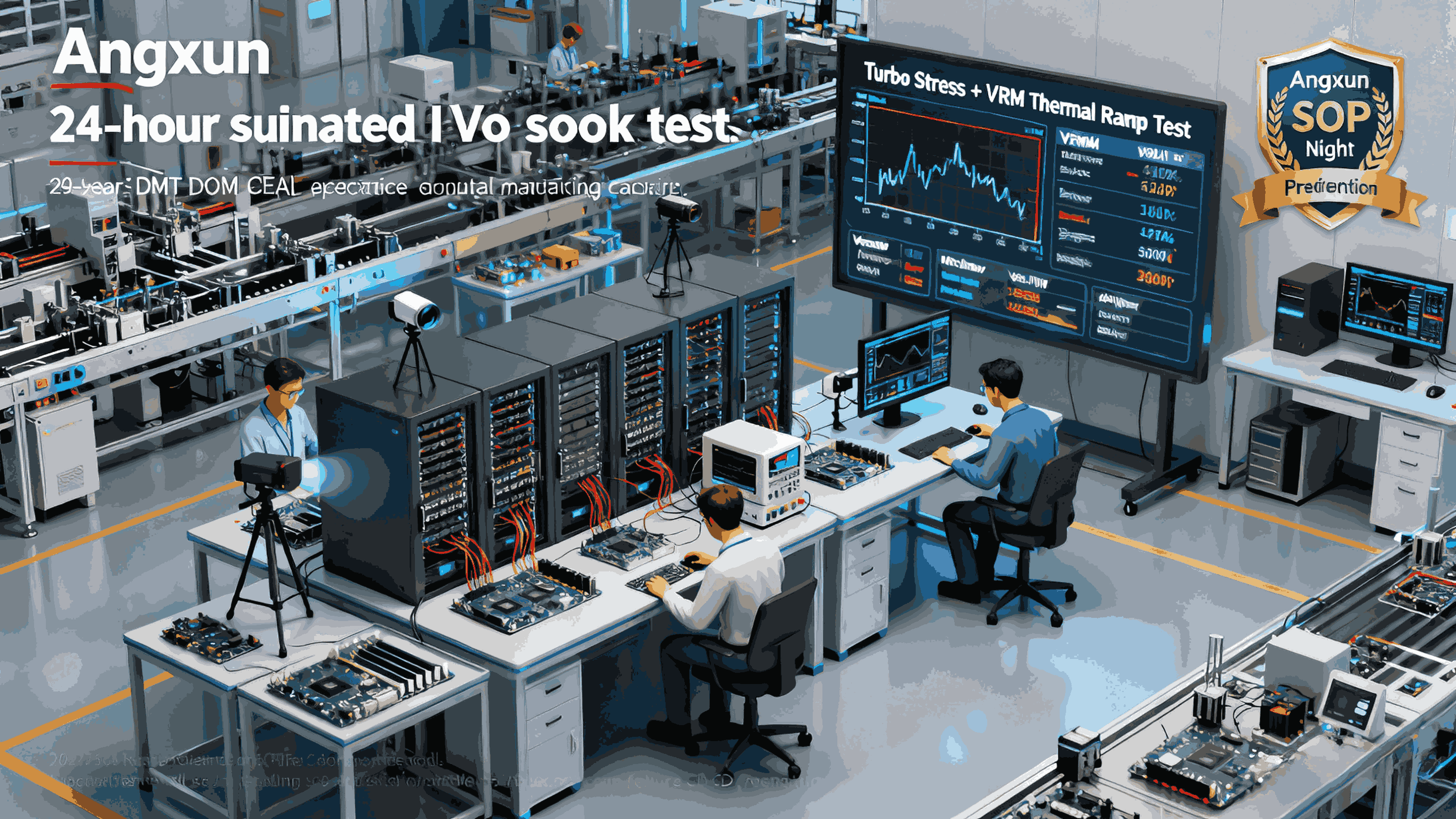
Factory Capability: 5 advanced SMT lines, SPI/AOI inspection, and complete testing equipment.
Engineering Expertise: 50+ R&D engineers manage burn-in SOPs for AMD, Intel, industrial, and server motherboards.
Traceable Systems: Each motherboard SN is mapped to driver/firmware versions and batch history.
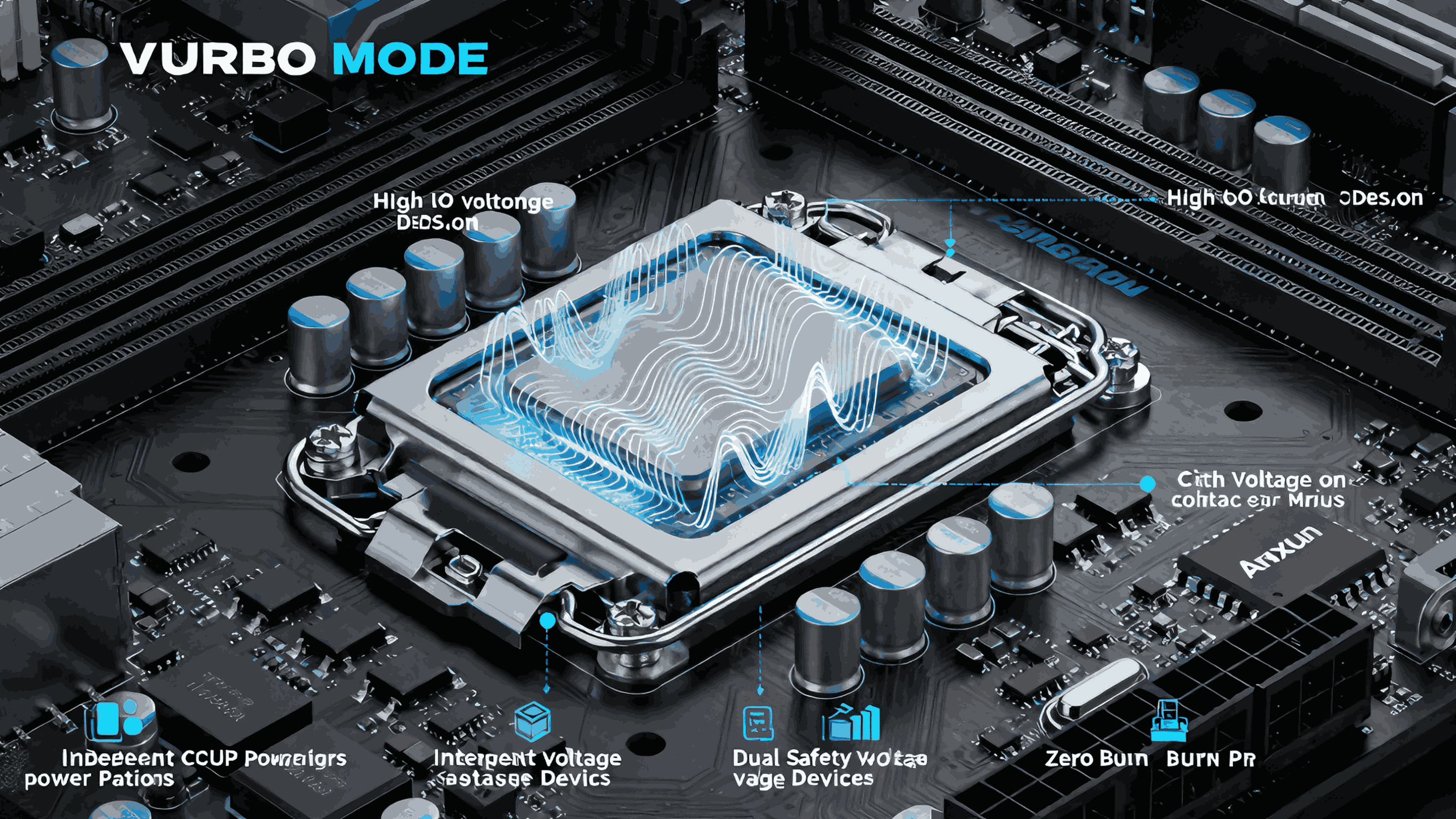
Thermal Design: Aluminum thermal base, all-solid capacitors, dual-safety VRM design ensure stability under full burn-in load.
With this methodology, Angxun guarantees high-reliability motherboards, minimizing field failures and maximizing deployment confidence.
6. Summary
A scientifically conducted 48–72 hour burn-in is essential for:
Detecting early-life component failures
Validating thermal and VRM stability
Ensuring NVMe, RAID, and SR-IOV reliability
Stress-testing under high-concurrency real-world workloads
By combining Prime95, MemTest, FIO, and stress-ng with engineered thermal and power stability, engineers can catch latent defects before shipment, saving hundreds of hours in deployment and support.