A Deep Engineering Explanation of PCIe Topology, IOMMU, and Thermal Design
As more enterprises deploy virtualization, high-performance storage, and multi-function accelerators, the stability of SR-IOV, NVMe, and RAID becomes critical.
Yet many system integrators still face issues like:
SR-IOV virtual functions (VFs) not appearing
NVMe devices randomly disconnecting under load
RAID rebuild speed dropping to unusable levels
PCIe devices disappearing after warm reboot
ESXi / Linux / Windows Server showing unpredictable PCIe errors
These problems are often not caused by the OS or drivers, but by hardware design flaws—especially in PCIe topology, IOMMU implementation, and thermal / power engineering.
Below is a complete engineering analysis from the perspective of a motherboard manufacturer.
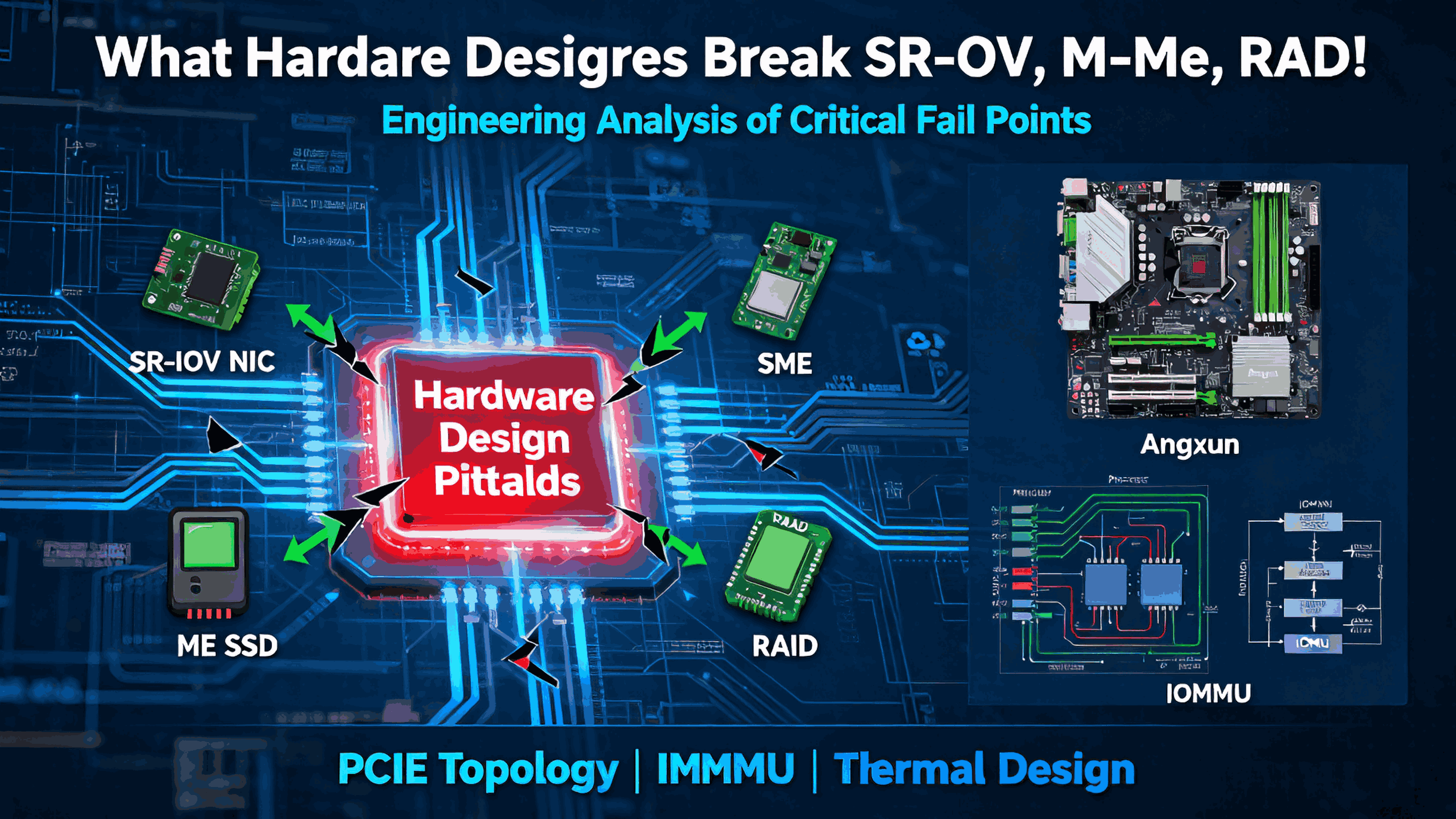
1. PCIe Topology: The Root Cause Behind Most SR-IOV and NVMe Failures
PCIe topology defines who connects to whom, and what bandwidth path they share.
A poor design here creates unpredictable behavior across SR-IOV, NVMe, GPUs, and RAID cards.
Common PCIe Topology Mistakes That Cause Problems
1.1 Oversubscribed PCIe Switches
When multiple devices share a single PCIe switch:
NVMe bandwidth becomes unstable
SR-IOV VFs fail under heavy traffic
RAID controllers hit latency spikes
Because the switch cannot guarantee:
Worst case: SR-IOV virtual functions appear but crash under load.
1.2 Mixing Latency-Sensitive Devices Under One Root Port
Good topology separates:
NVMe (very latency-sensitive)
SR-IOV NICs (require clean DMA paths)
RAID HBAs (constant PCIe traffic)
Bad designs put them under the same upstream root port, causing:
DMA collisions
unstable VF enumeration
degraded NVMe throughput
RAID timeout events
1.3 PCIe Bifurcation Errors (x16 → x8/x4/x4)
If BIOS or board routing incorrectly configure PCIe lanes:
x4 NVMe devices can drop to x1
RAID controllers operate in limited bandwidth mode
SR-IOV performance becomes unstable
Bifurcation issues happen when:
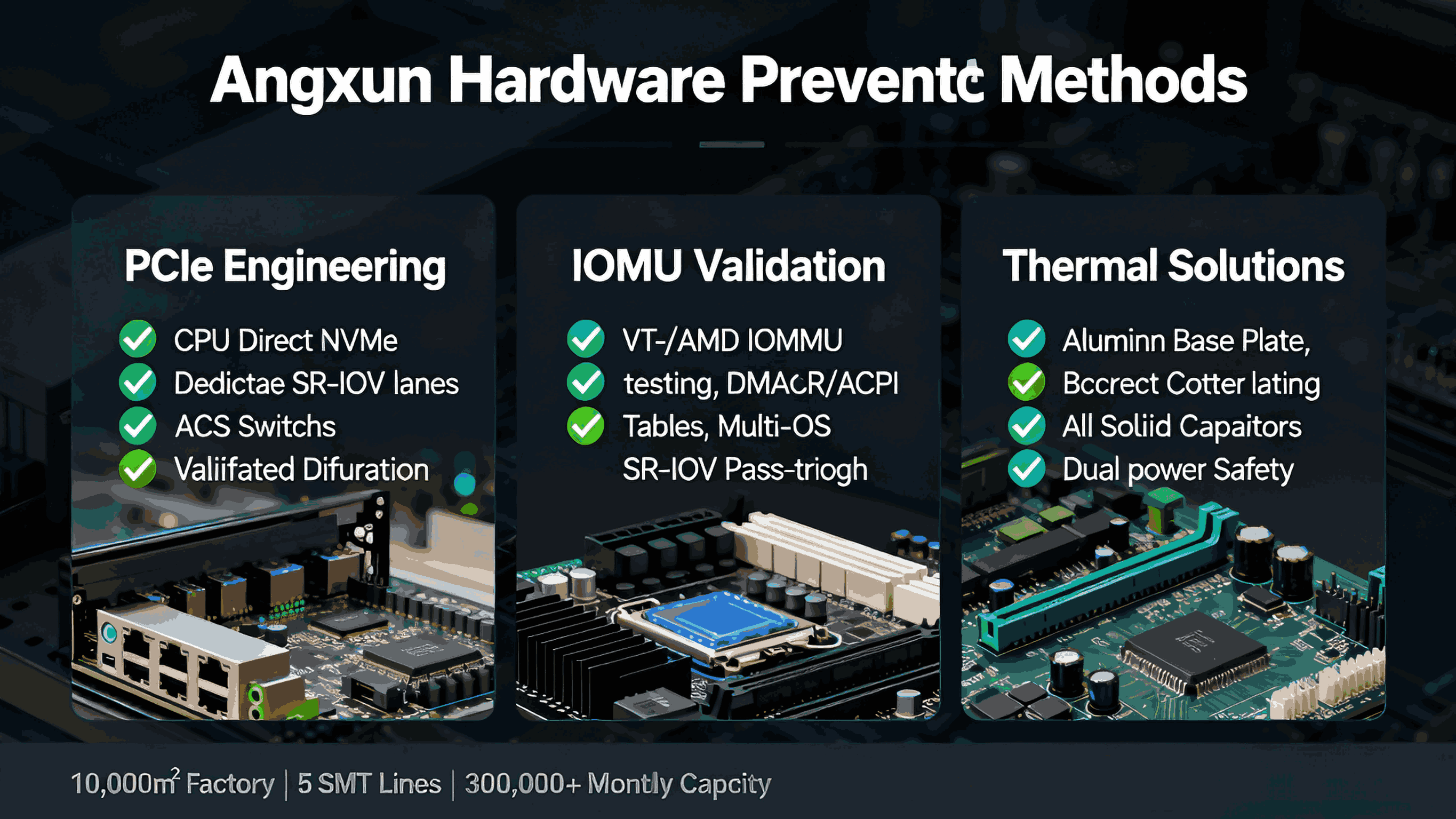
2. IOMMU & ACS: The Hidden Source of SR-IOV Chaos
SR-IOV requires isolation between virtual functions.
That isolation is managed by:
IOMMU (Intel VT-d / AMD IOMMU)
ACS (Access Control Services) on PCIe switches
PCIe isolation groups (IOMMU groups)
Faulty IOMMU Designs Cause:
SR-IOV VFs not assignable to VMs
Devices placed in the wrong IOMMU group
Host OS reporting DMA remapping errors
Entire PCIe tree becoming unbootable under ESXi
Typical Bad Board Designs:
2.1 Missing ACS Support on Switches
If a PCIe switch lacks ACS:
All downstream devices end up in the same IOMMU group
SR-IOV passthrough becomes impossible
VF isolation fails, leading to VM crashes
2.2 Incorrect PCIe Routing to CPU vs PCH
Some consumer-grade designs route:
NVMe → PCH
SR-IOV NIC → PCH
RAID → CPU root complex
This inconsistent routing creates:
Enterprise-grade boards solve this by routing all performance-critical devices directly to CPU lanes.
2.3 BIOS Missing DMA Remapping Tables
Improper BIOS ACPI tables →
SR-IOV VFs do not load or cannot be attached to VMs.
This is one of the top reasons SR-IOV fails on:
ESXi
Proxmox
Hyper-V
RHEL
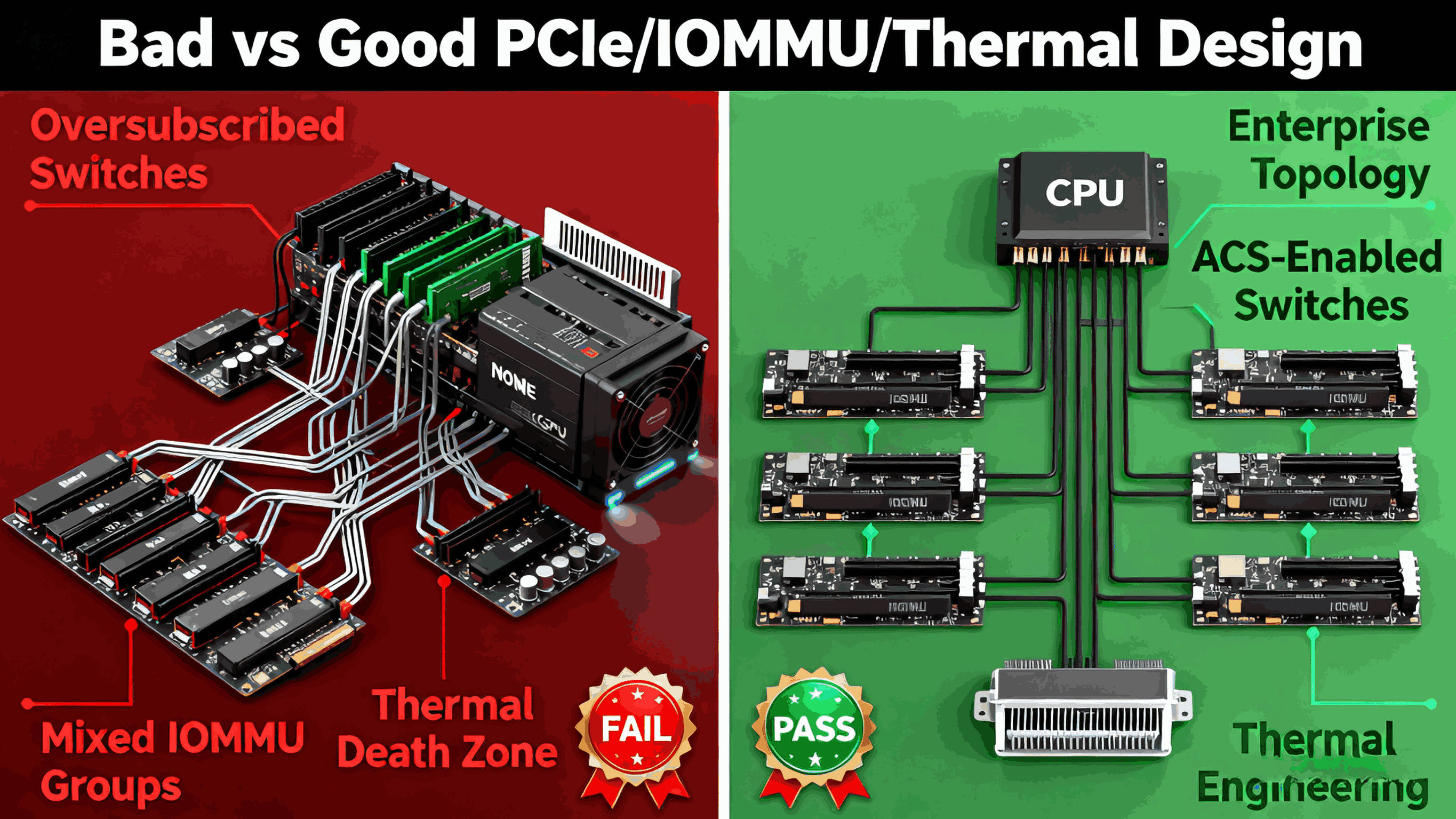
3. Thermal & Power Design: Silent Killers of NVMe and RAID Stability
Even perfect PCIe topology cannot fix:
Why NVMe and RAID Fail Under Heat
NVMe SSDs throttle aggressively at:
70–80°C for NAND
85–95°C for controllers
RAID cards fail earlier due to: