BIOS • BMC • RAID Firmware • NIC Firmware
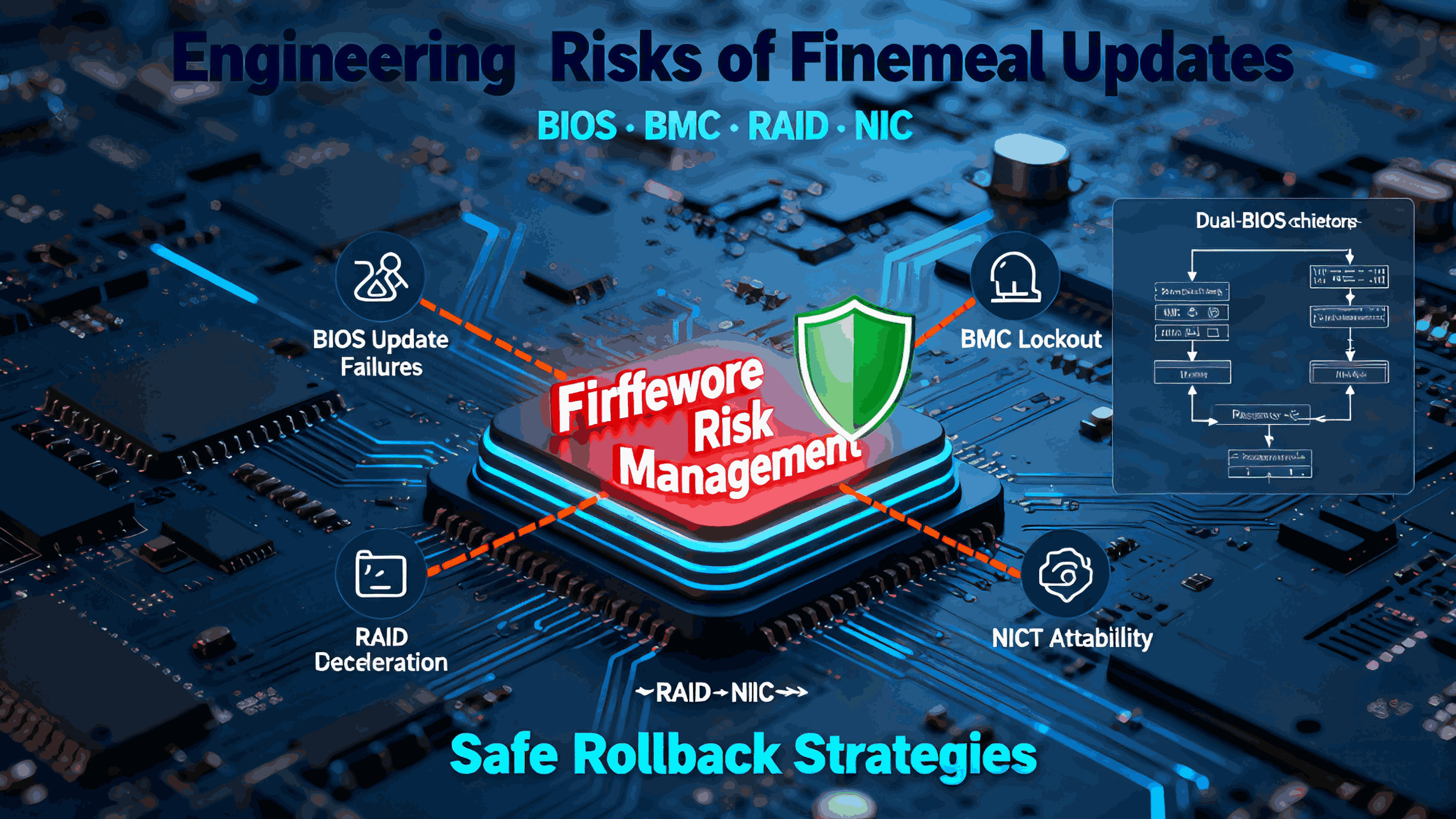
In modern computing systems, firmware is the invisible layer that determines whether hardware behaves predictably—or fails unexpectedly. A single update to BIOS, BMC, RAID controllers, or NIC firmware can improve performance, strengthen security, or add features. But it can also introduce instability, break compatibility, or render a system unbootable.
For OEM/ODM customers operating at scale, firmware management is not optional—it is an engineering discipline.
At Shenzhen Angxun Technology Co., Ltd., we help customers minimize firmware-related risks through rigorous validation, version control, and platform-level rollback strategies. This article outlines the real dangers of firmware updates and the best engineering practices to maintain system stability.
1. Why Firmware Updates Are Risky in Real Deployments
Unlike application software, firmware sits at the lowest layer of system control. Any flaw can create cascading failures that are difficult to diagnose or reverse.
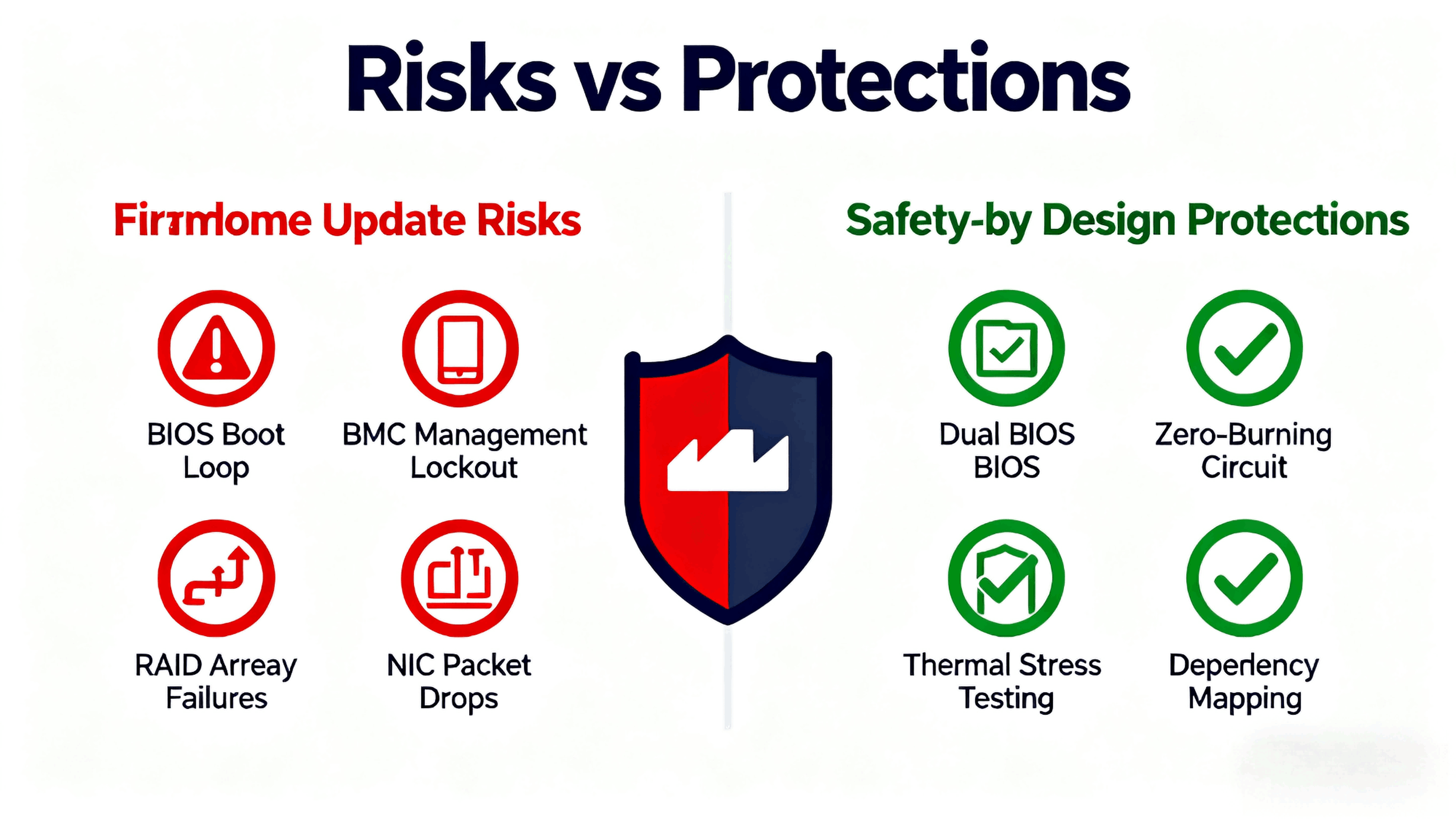
1.1 BIOS Update Risks
POST failures or infinite reboot loops
New microcode incompatibility with specific CPU steppings
Memory training instability after an update
Broken legacy device support
1.2 BMC (Baseboard Management Controller) Risks
Remote management lockouts
Lost sensor readings
Inaccurate thermal/fan profiles
IPMI/Redfish communication failures
1.3 RAID Firmware Risks
RAID array degradation or mis-identification
Performance regression due to driver mismatch
Sudden loss of cache features (write-back → write-through)
1.4 NIC Firmware Risks
Link instability or unexpected downgrades
VLAN or TOE/TSO features malfunctioning
Mismatched firmware and driver versions causing packet drops
In the worst case, a single firmware update can make an entire cluster unstable, especially when firmware revisions interact with drivers, OS versions, and CPU microcode in unpredictable ways.
2. The Hidden Engineering Problem: Cross-Component Interaction
A system is not a single firmware environment—it is a stack:
BIOS
BMC
PCH firmware
EC firmware
RAID controller firmware
NIC firmware
NVMe SSD firmware
OS drivers
Microcode
Updating one component can break assumptions made by another.
For example:
A BIOS update enabling new memory profiles may conflict with older BMC fan algorithms.
A NIC firmware update may require a newer kernel driver that isn’t deployed yet.
A RAID firmware update may change drive enumeration order, affecting boot loaders.
This is why Angxun strongly recommends holistic firmware validation, not independent updates.
3. Angxun’s Engineering Approach: Firmware Safety-by-Design
With 24 years of OEM/ODM experience, Angxun designs all motherboards with reliability and firmware safety in mind.
3.1 Dual-System Protection
Our motherboard engineering includes:
Independent CPU power supply design
Dual safety power devices for stable transitions
Zero-burning protection circuits
All-solid capacitors for stable power delivery
PCB copper plating for clean signal integrity
These hardware-level protections dramatically reduce brick-risk during firmware flashing.
3.2 Structured Firmware Validation Pipeline
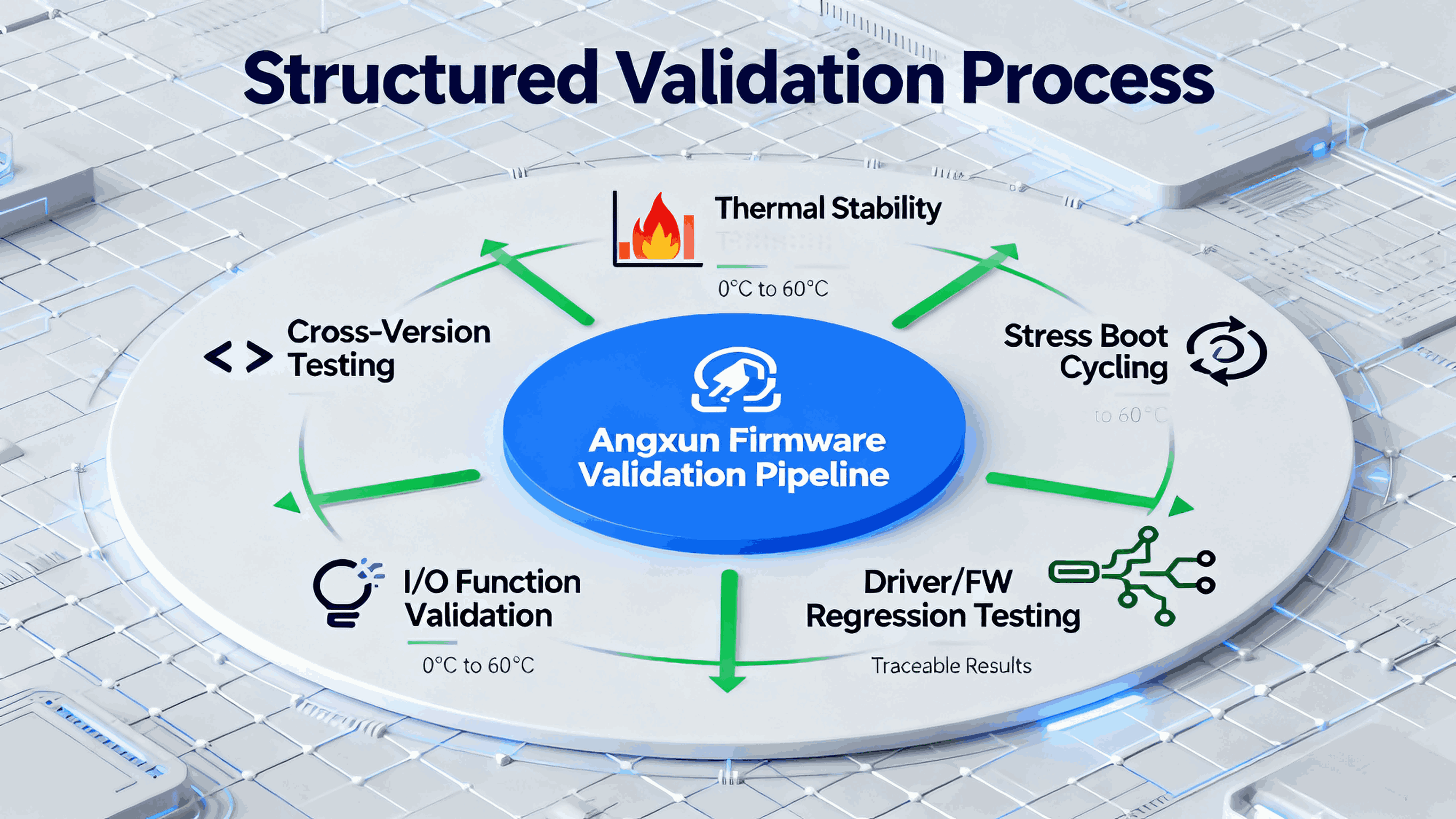
Before any firmware is released to a customer, Angxun performs:
Cross-version compatibility testing
Thermal and power stability testing
Stress boot cycling across 0°C to 60°C
Full-function I/O validation
Driver/FW regression testing across OS environments
All results are traceable and stored in our internal reliability database.
3.3 Factory-Grade Production Capability
With a 10,000 m² facility, five SMT lines, 500+ staff, AOI/SPI inspection, and 300,000 motherboard/month capacity, Angxun ensures hardware and firmware remain synchronized across large production batches.
4. Best Practices for Firmware Rollback (Engineering-Level Guidelines)
Rollback capability is essential for avoiding prolonged downtime.
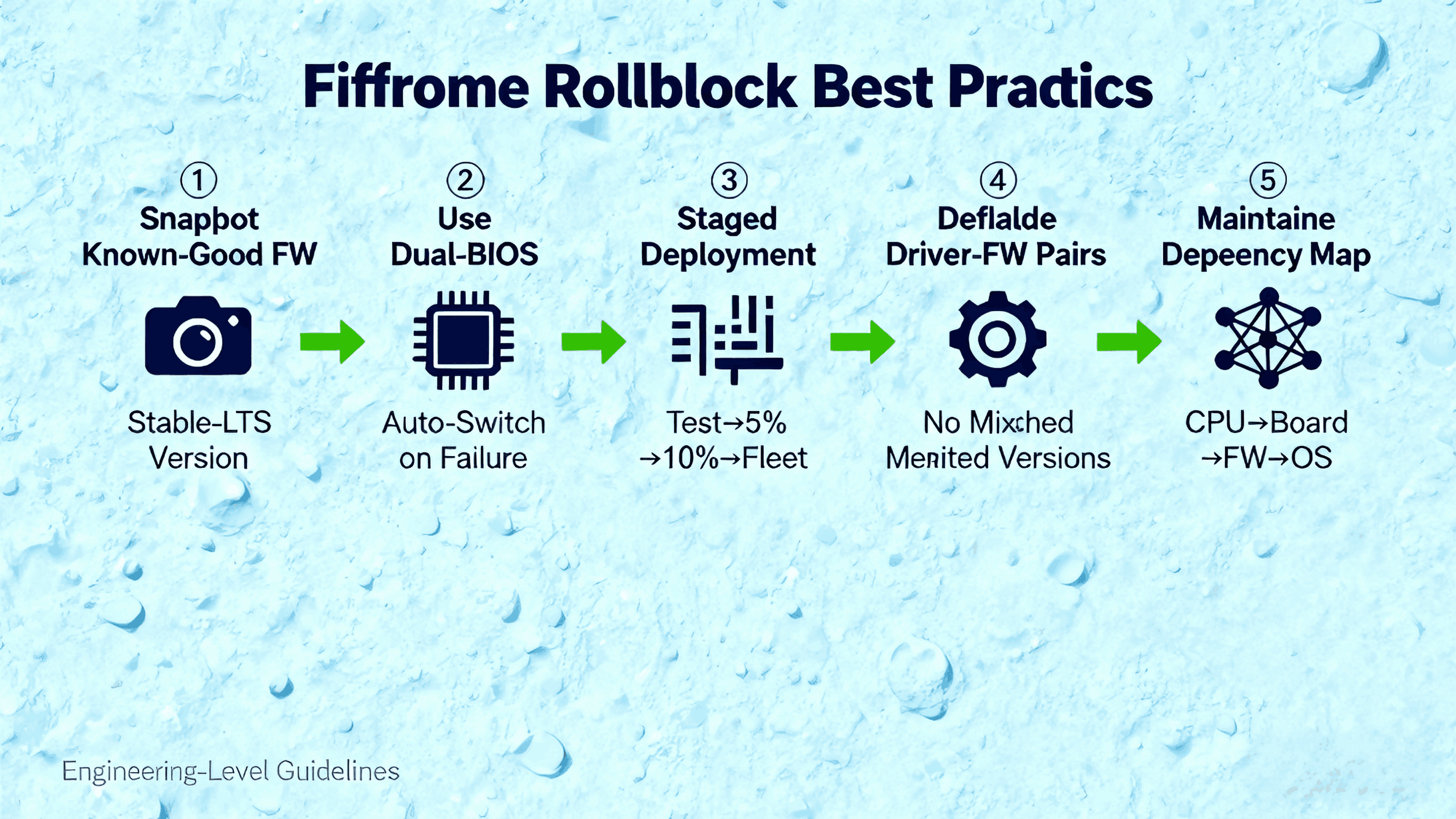
4.1 Always Keep a Known-Good Firmware Snapshot
Maintain a version that is validated for your environment.
Angxun provides:
Stable-LTS (long-term support) firmware
Change logs
Dependency mapping (drivers, OS, microcode)
4.2 Use a Dual-BIOS or Recovery Region if Possible
We support:
Primary BIOS (active)
Backup BIOS (immutable)
If an update fails, the system auto-switches.
4.3 Never Update Firmware Across an Entire Fleet at Once
The correct workflow:
Update a single test node
Validate functional and performance baselines
Roll out to 5–10% of nodes
Gradually expand deployment
4.4 Validate Driver-Firmware Pairs Together
Many failures occur because:
New NIC firmware + old driver
New RAID firmware + outdated storage stack
New BIOS + incompatible kernel
Angxun provides compatibility documentation to reduce this risk.
4.5 Maintain a Full Firmware Dependency Map
For every system:
CPU stepping
Board revision
BMC version
BIOS version
RAID/NIC FW versions
Storage firmware
OS kernel version
This makes rollback predictable instead of chaotic.
5. How Angxun Helps Customers Manage Firmware Safely
5.1 Custom OEM Firmware Packages
Angxun can produce firmware bundles that ensure:
BIOS + BMC + NIC + RAID are validated together
No incompatible cross-combinations
Safe upgrade paths for multi-generation support
5.2 Dedicated R&D Team
Our team of 50+ engineers supports:
5.3 Long Product Life Cycles